
As soon as possible
For guests on the go who want to order right away, so the food is ready when they arrive.
Give your guests a smooth, modern experience – whether they want to order for pickup right now or at a specific time.
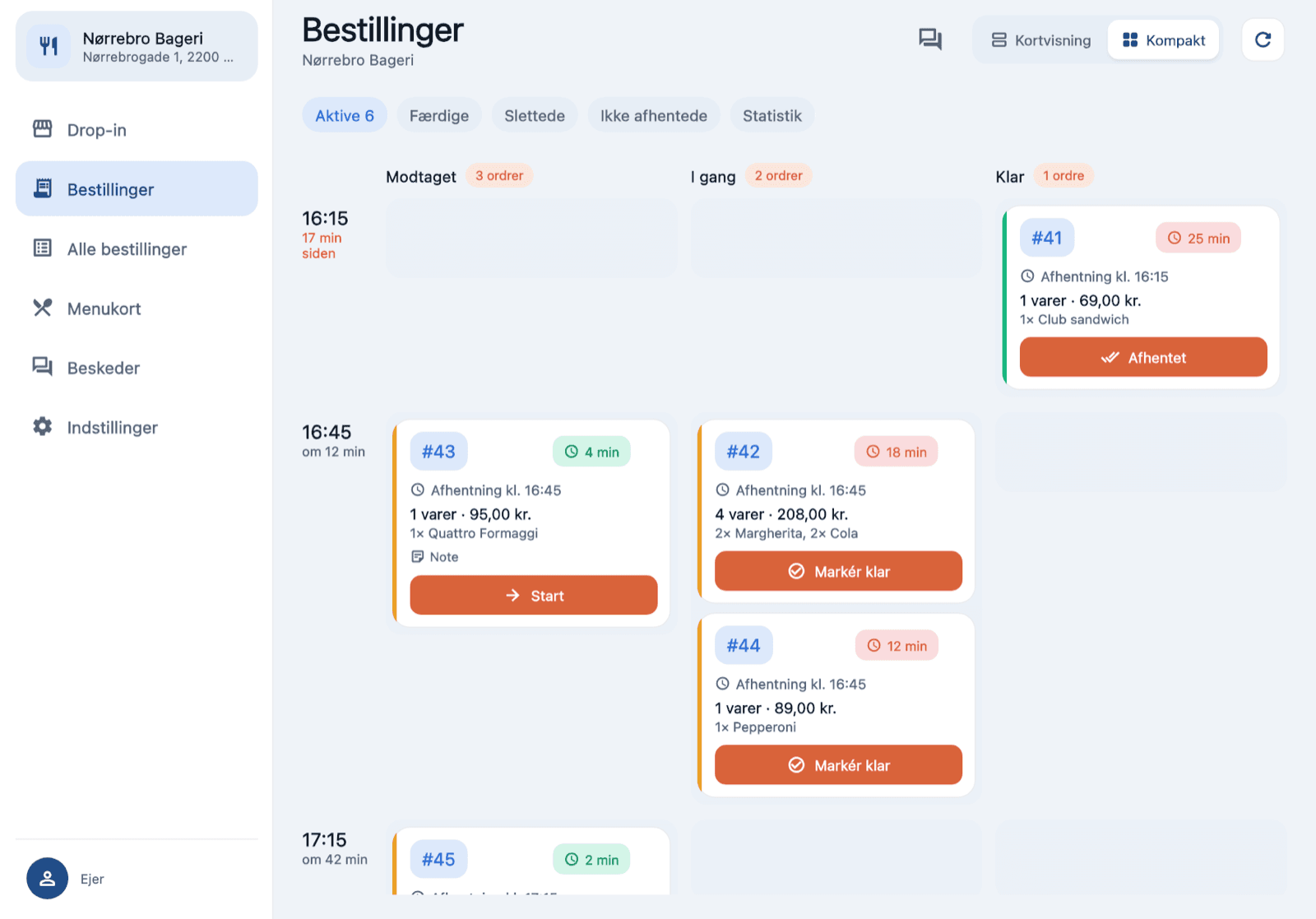
With Drop In, guests decide how they want their food. You manage everything from one system, whatever the order type.
For guests on the go who want to order right away, so the food is ready when they arrive.
Let busy customers plan dinner ahead by choosing an exact pickup time.
Create dishes, variants and extras, and change prices and opening hours instantly in the app.
Receive the order in the kitchen, mark it in progress and ready, and message the guest if there are questions.
Give employees access to the shop's order flow so everyone in the kitchen sees the same orders.
Show order numbers from received to ready for pickup on a screen so guests can follow along.
Guests pay at pickup. Paying for food orders with MobilePay directly in the app is on its way.
Follow order volume and revenue over time, and see which dishes sell best.
If you enable it, customers pay with MobilePay, and the money goes straight to your own MobilePay agreement. Drop In never routes the money through a middleman.
With the Drop In TV app you pair an Apple TV with a 6-digit code and show live data on any screen. In the clinic, customers see the queue and who is next. In the restaurant, guests follow their order number from received to ready for pickup.
Get started in minutes. No lock-in – try the system for free today.
DKK 449per month after the free period
Prices exclude VAT.